
WINDOWS APP
.gp · .gpx · .gp5
.gp4 · .gp3
GP Tab Viewer
Downloaded a guitar tab file and have nothing to open it with? GP Tab Viewer opens .gp, .gpx, .gp5, .gp4 and .gp3 files, shows them as clean notation and tablature — and plays them back. Everything happens on your PC.
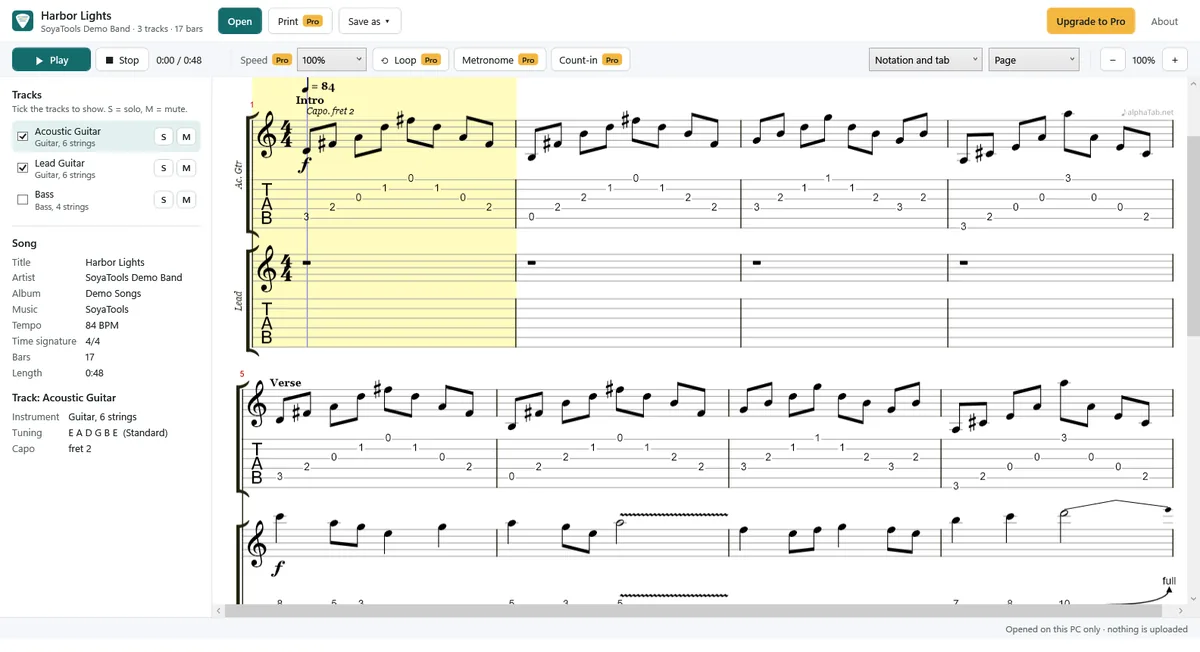
Free: open, read and play
- Open .gp (versions 7 and 8), .gpx (version 6), .gp5, .gp4 and .gp3 — double-click, drag and drop or Open.
- Notation and tab, tab only, or notation only.
- Choose which tracks to show (guitar, bass, drums, keys …).
- Play the song with a moving cursor, with solo and mute for each track.
- Zoom, page view or one long line.
- Song info: title, artist, tempo, time signature, length; tuning (for example Drop D) and capo for each track.
- Bends, slides, hammer-ons, vibrato, palm mute, harmonics and other effects are drawn as in the file.
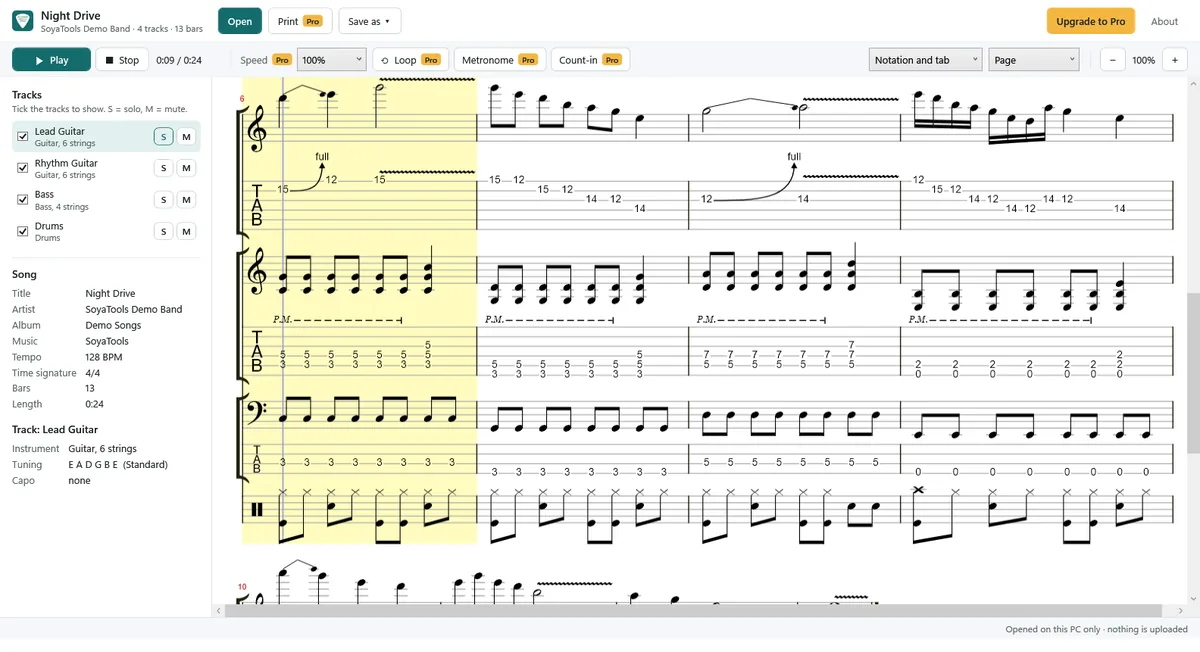
Pro: practise and save
$9.99, one-time purchase. No subscription.
- Slow down or speed up: 25% to 200%.
- Loop a part (A–B): drag over the bars you want to practise.
- Metronome and count-in.
- Print, and save as PDF (the tracks and view you chose).
- Save as MIDI, and as WAV audio (with your solo and mute settings).
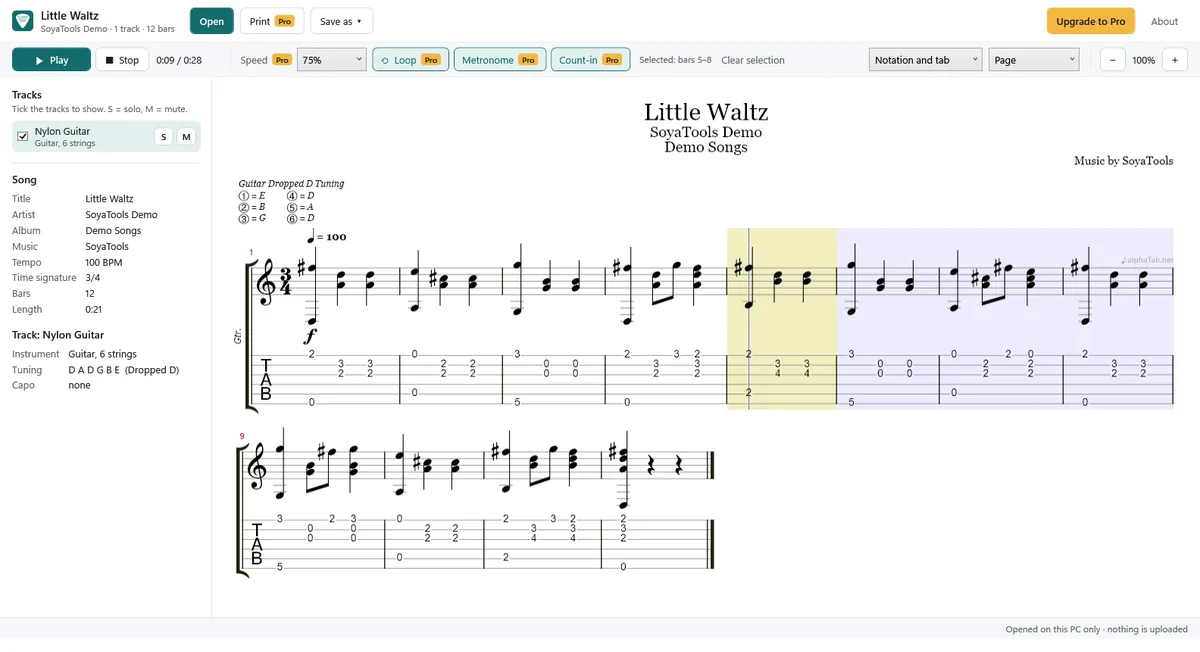
Good to know
- Playback uses built-in General MIDI sounds, not recordings of real guitars.
- This is a viewer and player: tabs cannot be edited.
- Scores are drawn with the open-source alphaTab engine; a small “♪ alphaTab.net” credit appears on scores.
- Interface in English, German, French, Italian, Spanish and Korean.
Private by design
Everything happens on your PC. Nothing is uploaded, no account is needed, and the original file is never changed. Read the Privacy Policy.